Write it, draw it, present it, track it. Let AI agents handle the rest.
- Hosted in Australia
- Certified for ChatGPT, Microsoft Copilot and Copilot Cowork
Select Workspace
Ask about QuillmereCtrlJ
Write it, draw it, present it, track it. Let AI agents handle the rest.
01 Documents and diagrams
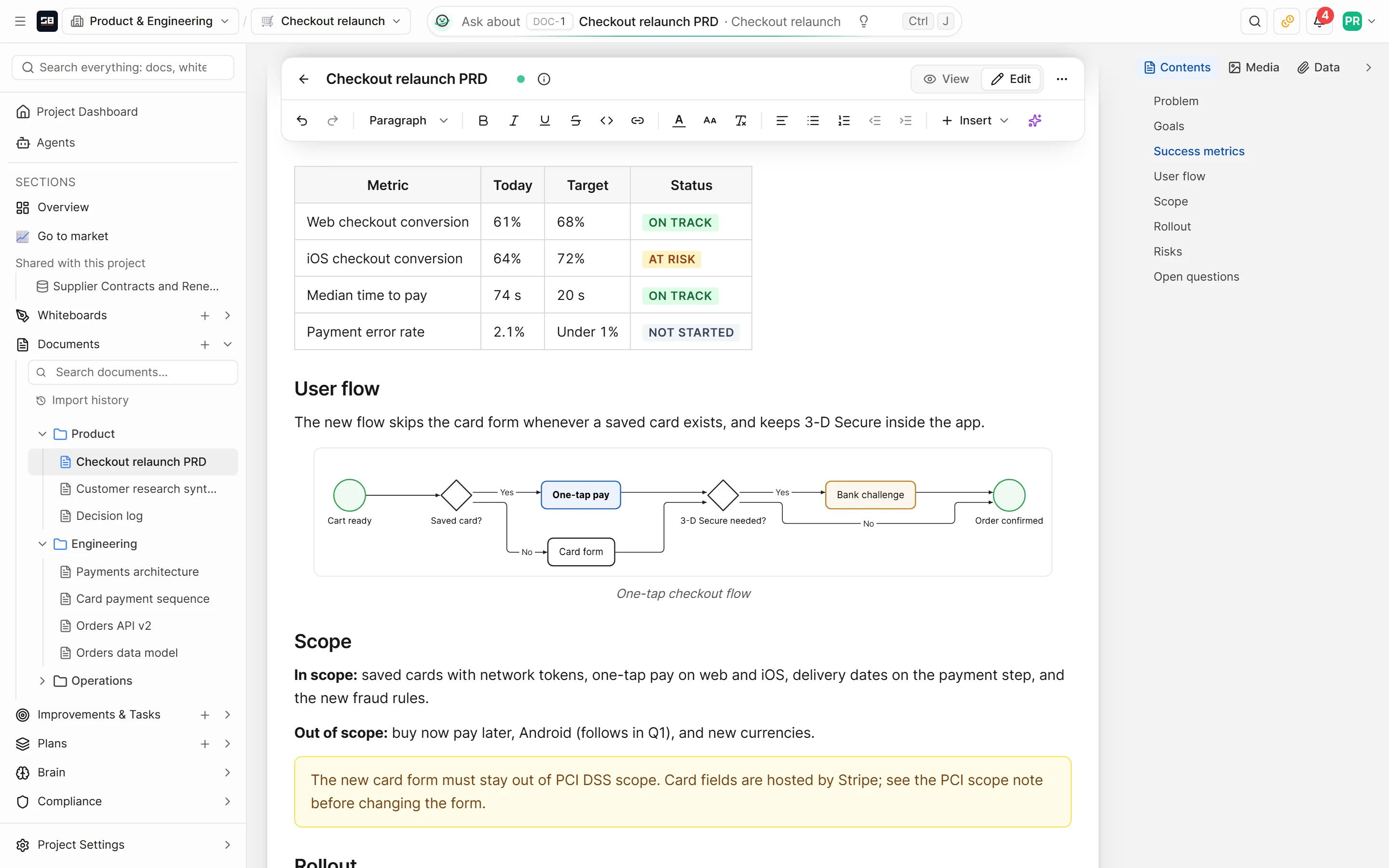
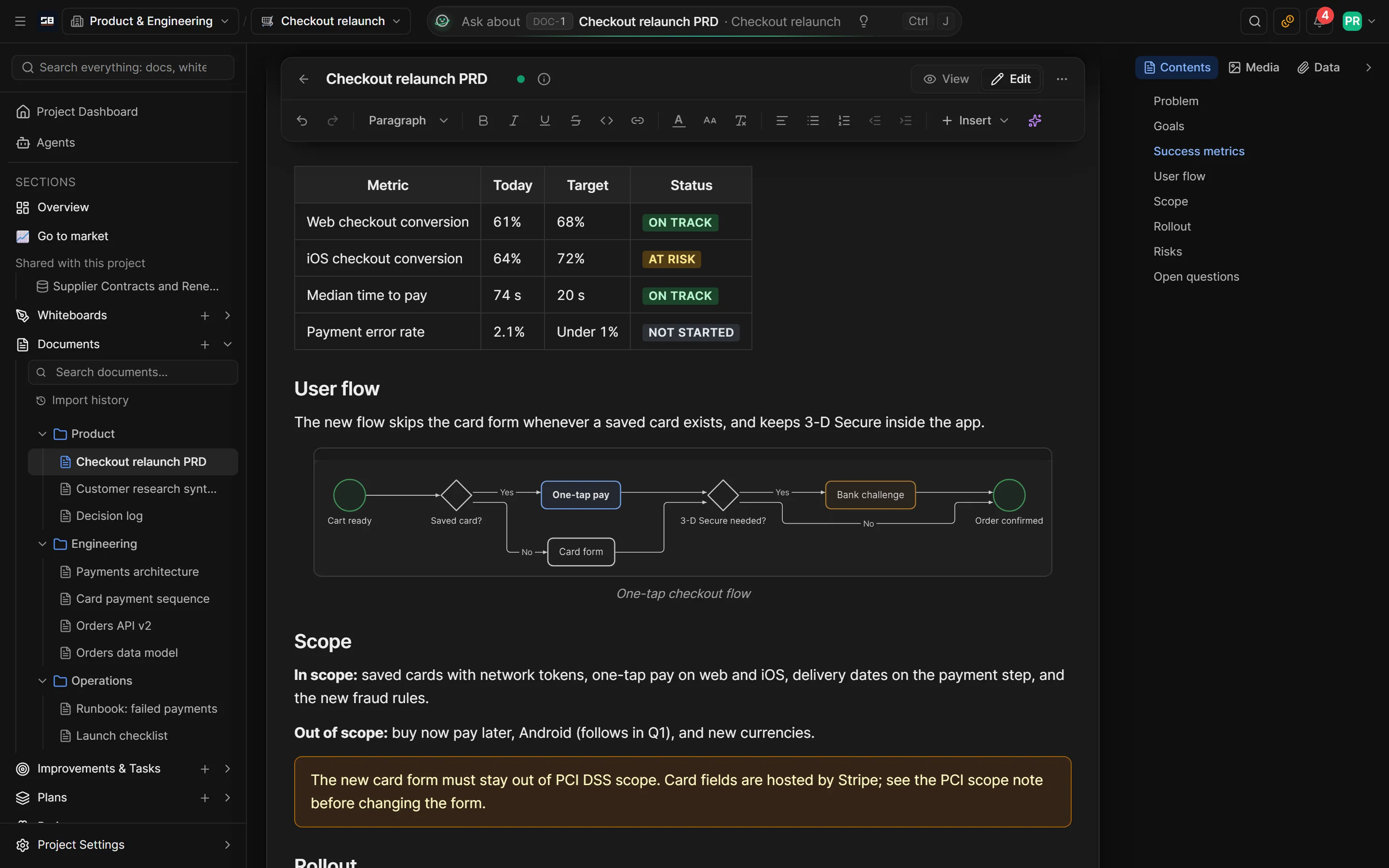
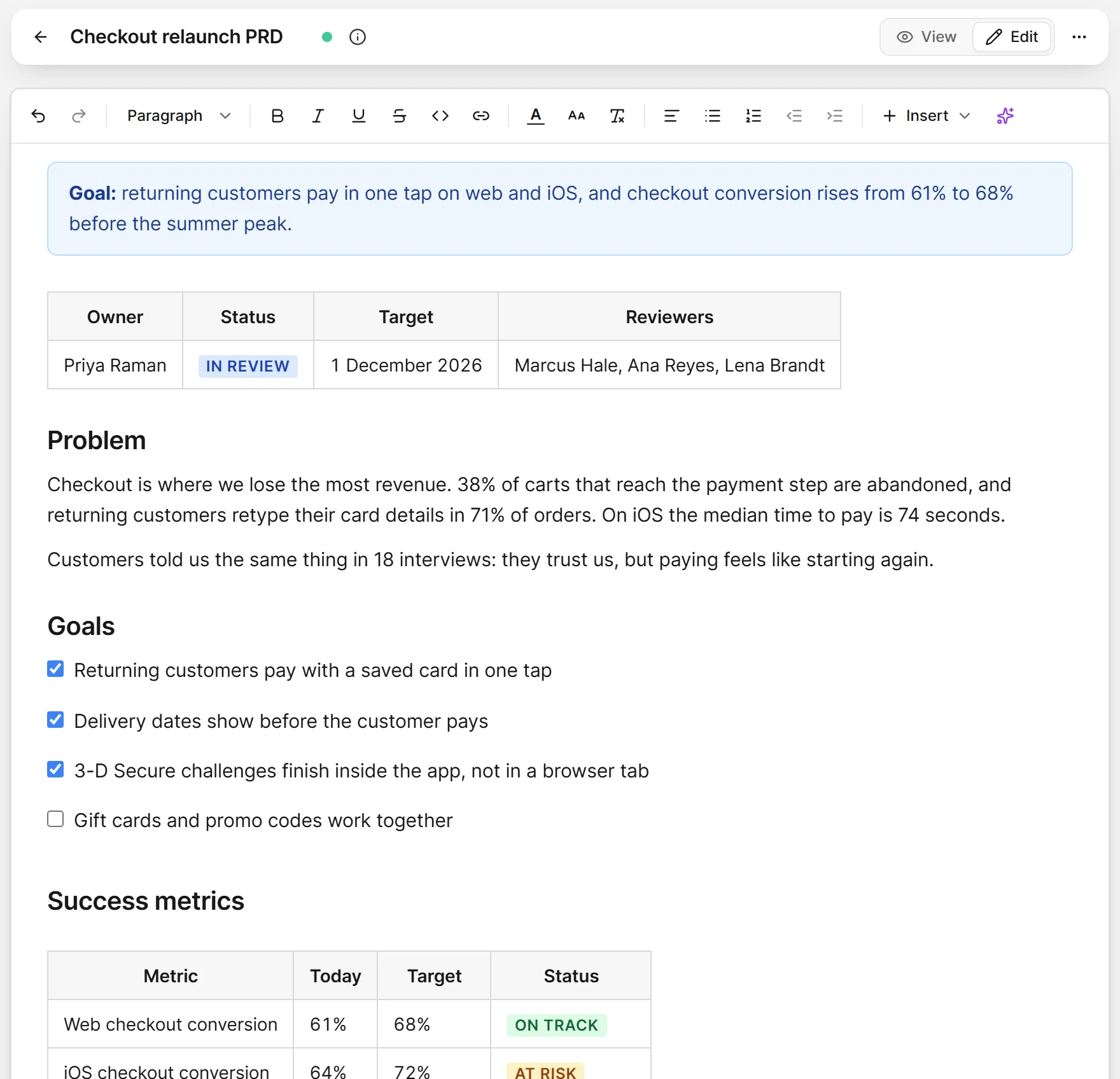
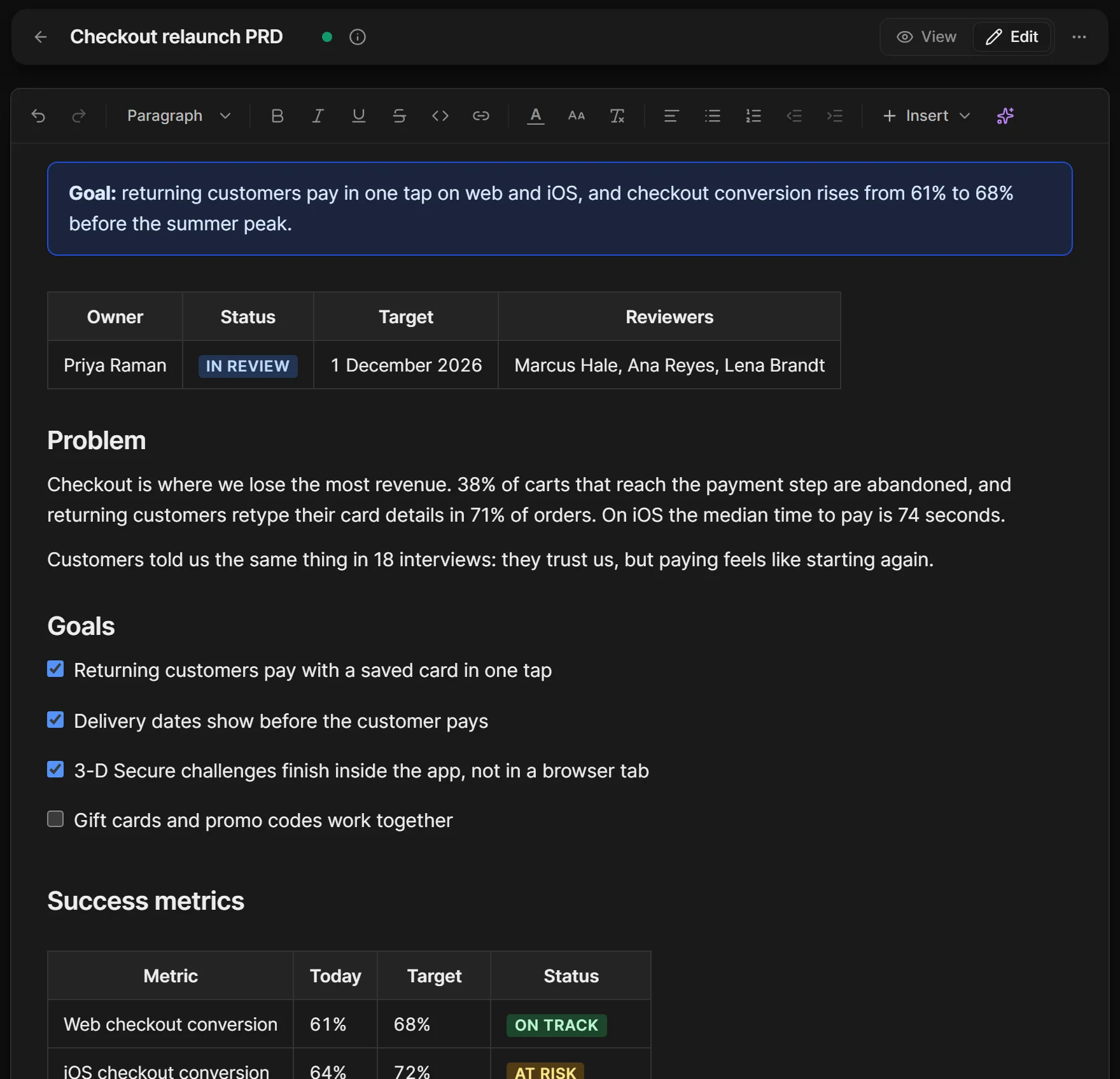
Living documents with the diagrams and live numbers inside, written with Orbit.
02 Whiteboards and decks
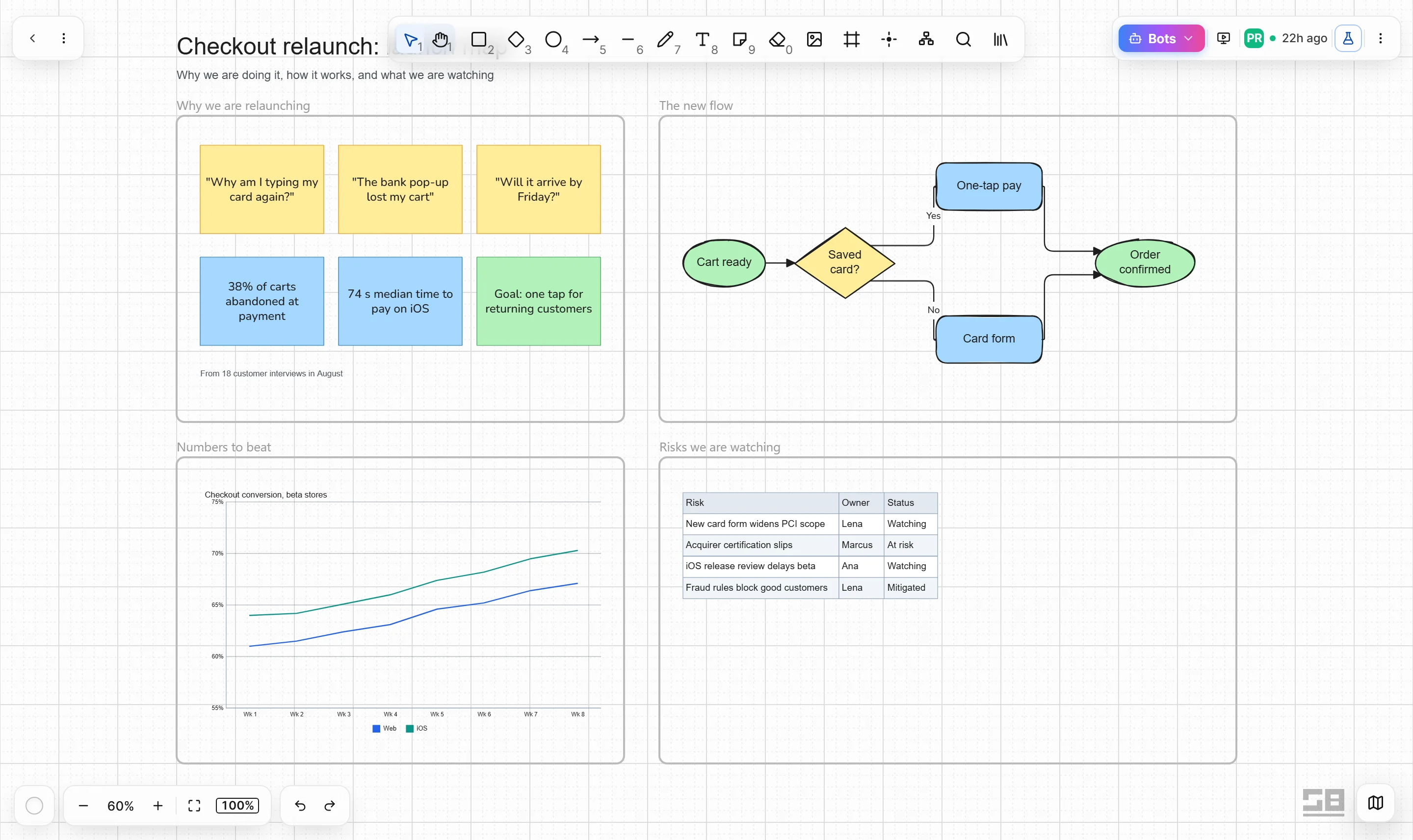
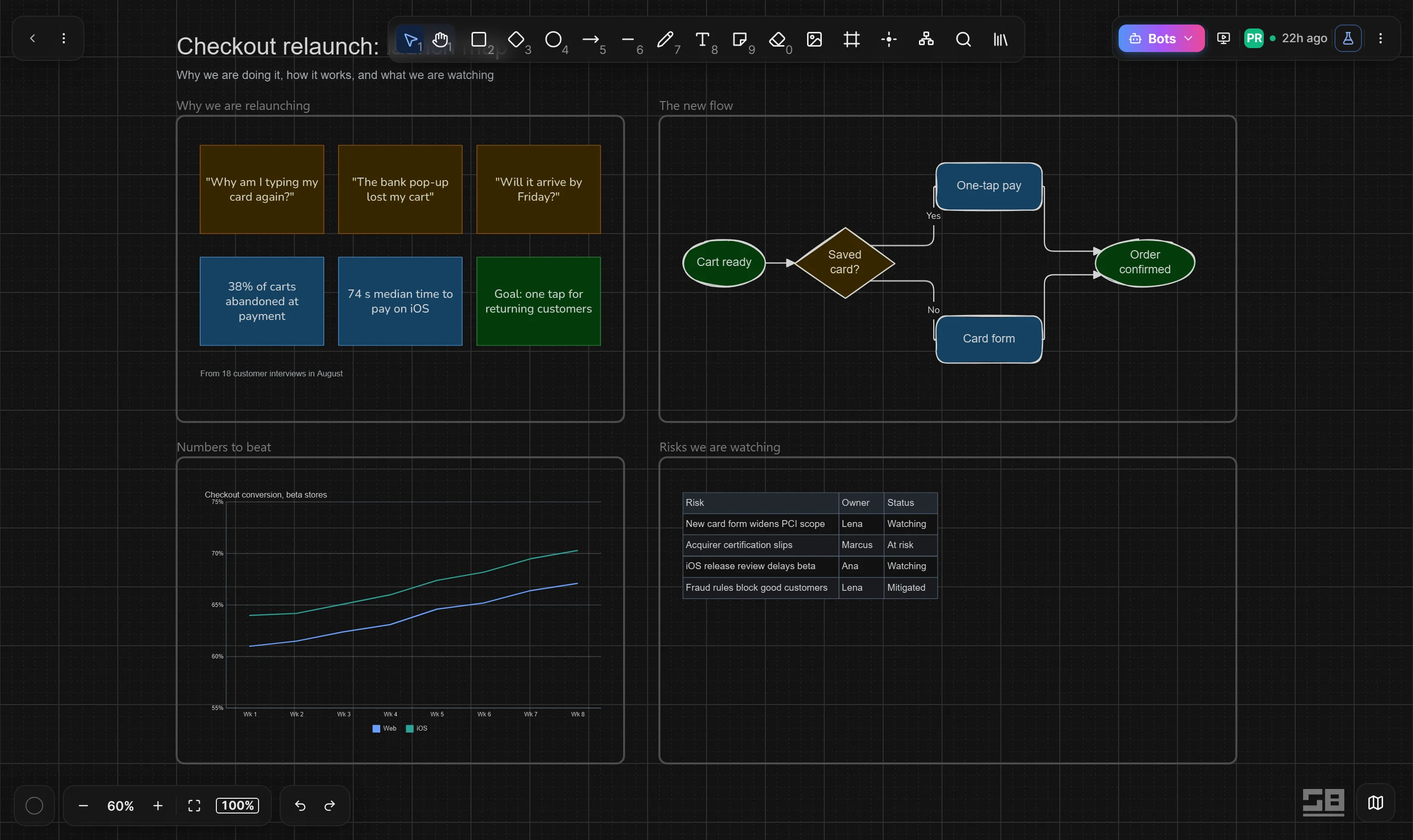
Think it through on a board, then ask AI for the deck, ready to present.
03 Databases
Customers, suppliers, assets and risks in tables your team shapes, linked to the work.
04 Orbit, your assistant
Help on every page, only as far as you allow.
05 Forms
Each answer becomes a row, and can set an agent to work.
06 Agents
Give an agent a job and the access it needs, and it gets on with it.
07 Bring your own AI
Connect your own AI provider account, and the work on it uses no credits. On Free, this is how you use AI.
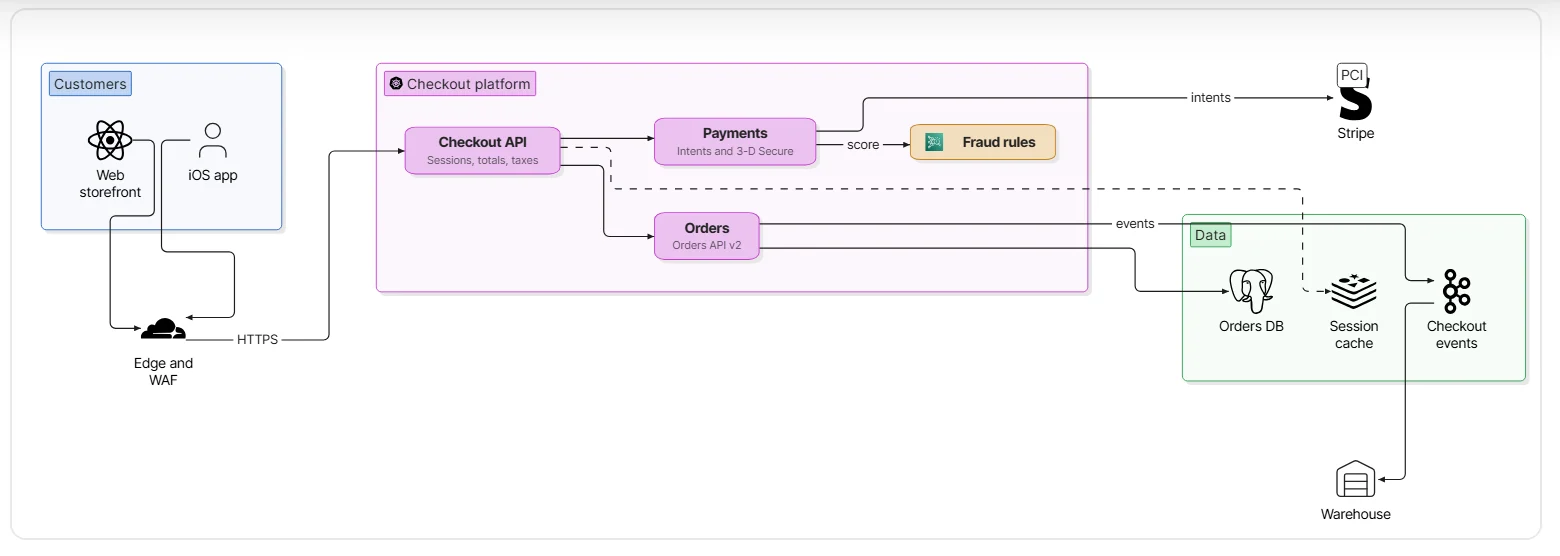
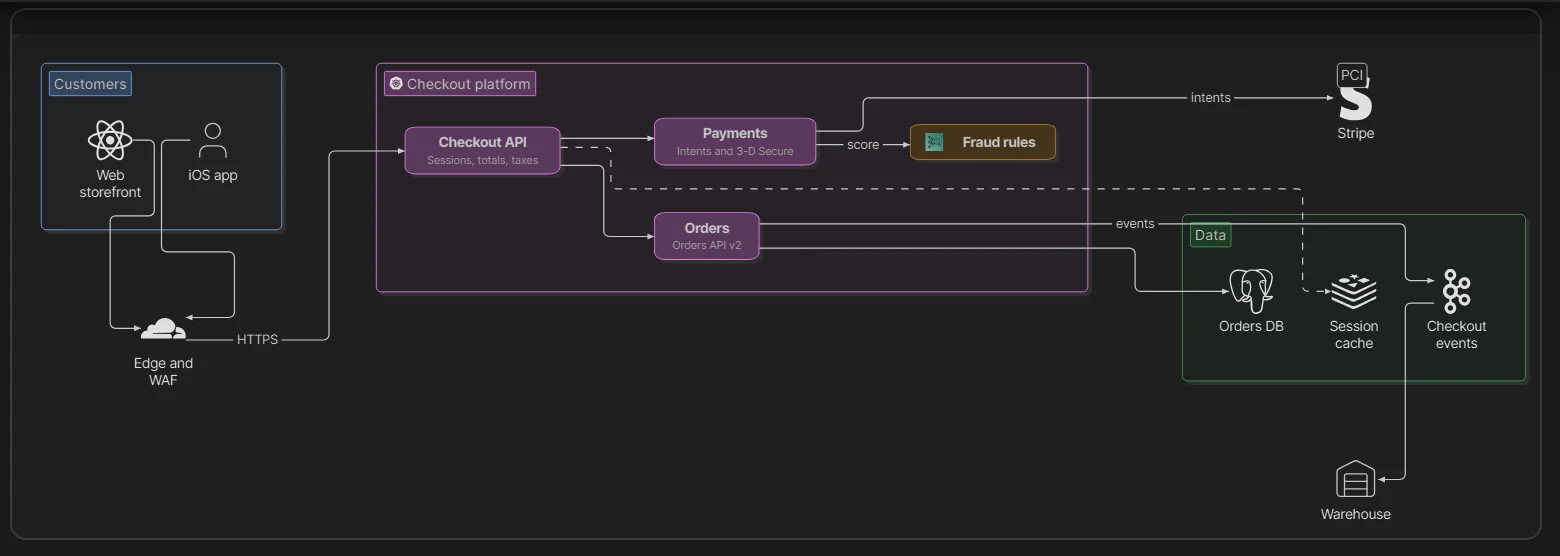
Describe a process in a few words and the diagram is drawn for you, right inside the page.
Every change is kept, so the page stays the one everyone trusts.
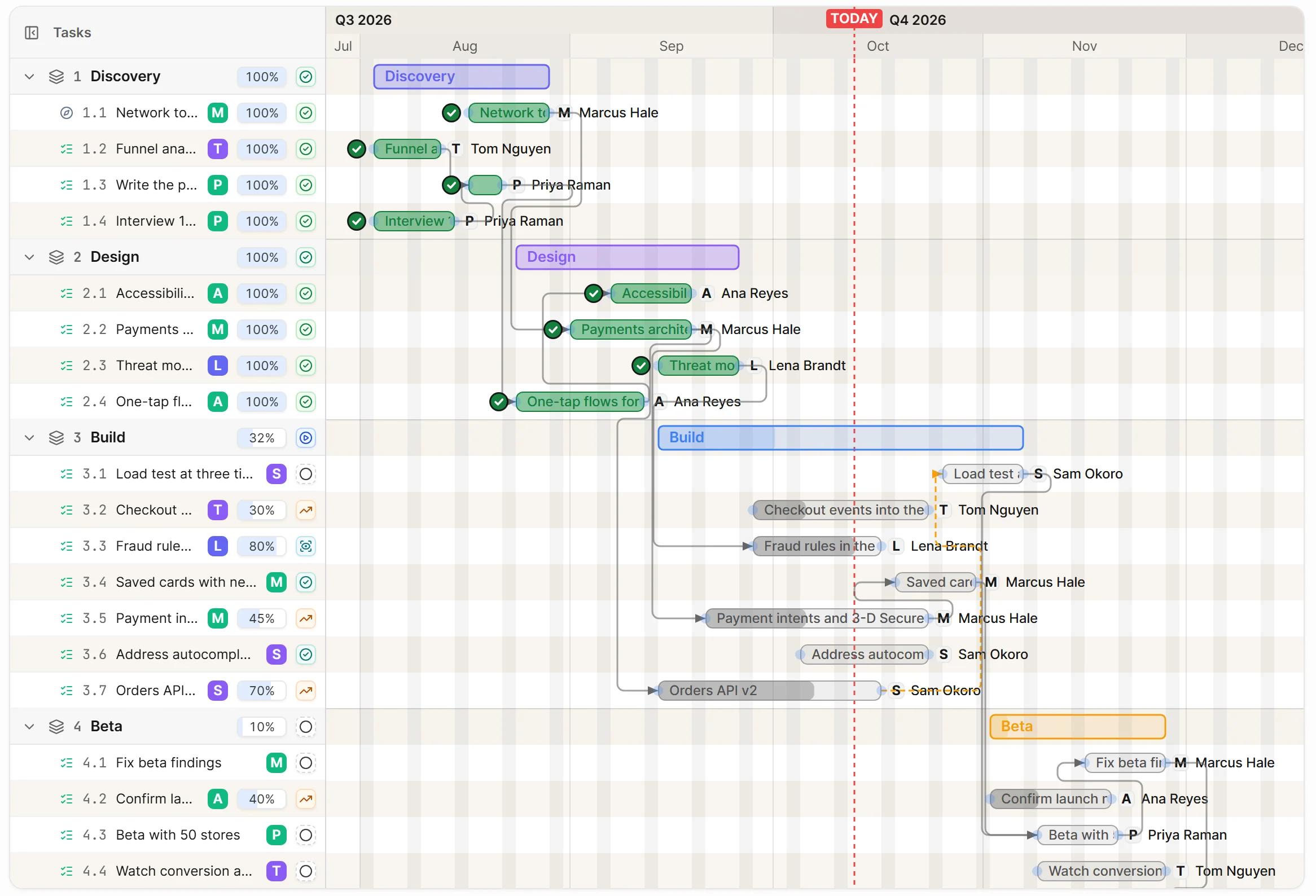
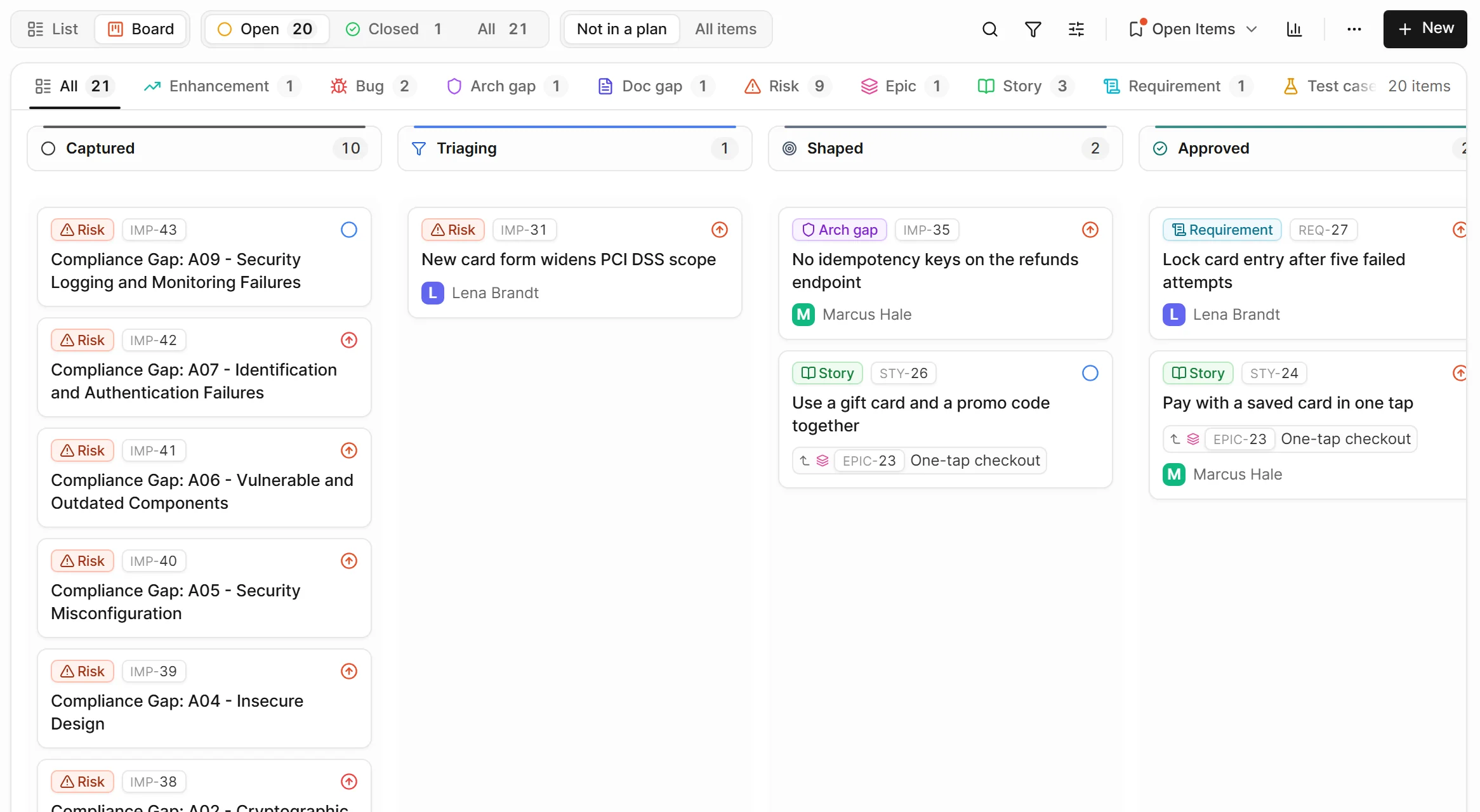
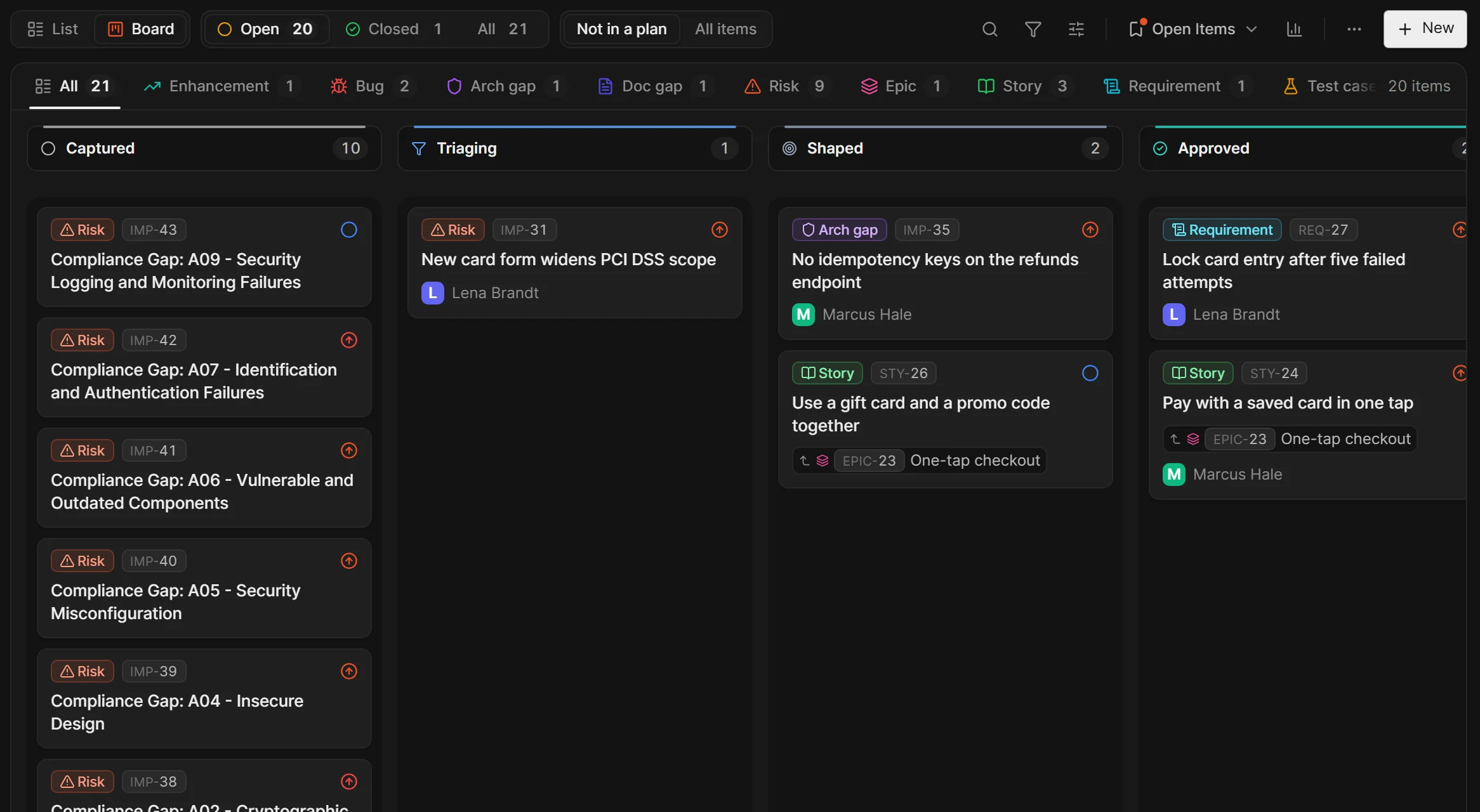
Sketch, sort and decide together on a whiteboard. When it's ready, ask for a deck and AI lays out the slides beside the work.
Present it from the board, or take it to PowerPoint.
Bring in your spreadsheets and shape the tables to fit. Everyone sees the same rows, the way they like to work.
Each record links to the tasks, risks and documents it's about.
Ask in plain words on any page. Orbit writes, draws and builds from what you can already open.
You choose how far it goes, and it asks before making changes when you want it to.
Share a form in your brand with your team, or with anyone who has the link. Every answer lands as a row, with nothing to retype.
An agent works through its duties on its own: replies drafted, summaries written, records kept up to date.
Talk to it from the same bar as Orbit, run a duty with one press, and see everything it has done.
Connect your own AI provider account and choose the model for each kind of work.
A log of every call shows what ran, and when.
Dashboards
Live on your own records, so every meeting starts from today's numbers.
Try it: press an owner, then a column
Customers
DB-12Pipeline page. All owners: 8 deals, A$461,800.
Pipeline: Value (sum)
A$462k
8 deals
Won: Value (sum)
A$120k
Target A$100k +A$20k (+20.3%)
Deals by stage (count)
Value by stage (sum)
Deals (8)
Totals, trends and shares side by side, each in the visual that suits it.
Press a person, a stage or a month and every visual follows, down to the day.
Open any figure to see the rows behind it.
Each person only counts the rows they may open, so nothing hidden slips into a total.
Ask Orbit for the dashboard you need, or build it by hand. It stays live as rows change.
Agents
Set one up in four short pages, and it works through its duties inside the rules you set.
Support Desk · one of its duties, in plain words
Every weekday at 8:00 am, it will sum up yesterday's new support tickets in a short report for the team.
Write its duty in plain words. It starts on its own at the time you set, or when something arrives or changes, and its button runs it whenever you like.
A job never goes beyond what the person who started it could do. It asks first when it matters, and one step undoes the whole job.
Asking an agent is free.
Work an agent does on its own, on a schedule, a watched mailbox or chat, a record change or a button on a row, uses credits: 1 when it reads and decides nothing is needed, 5 when it acts, such as drafting a reply or changing a record. An unusually heavy run can cost more. An event that doesn't match the duty's filters costs nothing, and so does work on your own AI provider account.
Agents read and reply in the apps your team already uses.
Microsoft 365 mail is available now, and more are coming soon.
Developers
Your team keeps its favourite tools, and they all work on the same workspace.
 ChatGPT
 Claude
 Microsoft Copilot
 Cursor
Whatever your team builds with, one key reaches the same workspace.
 Works with any AI tool that speaks the Model Context Protocol, the open standard for connecting AI to your work.
The MCP server's address
https://api.stablebaseline.io/functions/v1/cloud-serve/mcpA certified app in ChatGPT, a certified connector for Microsoft Copilot, and a plugin for Copilot Cowork.
Company brainEnterprise
Every agent answers from your own work, with the sources to show for it.
Your work
Checkout relaunch PRD
DOC-2
Payments architecture
DOC-5
Decision log
DOC-4
Checkout relaunch plan
PLN-1
Two open risks
IMP-30, IMP-31
Customers
DB-12 · 8 records
The company brain
Waiting for a question
Brisemont Shipping, won at A$92,500 and renewing on 30 Jun 2027, and Corvessa Health, in negotiation at A$73,400 and renewing on 22 May 2027. Both are records in Customers, read live from the database.
Every document, diagram, plan and risk feeds one company brain, and now your database records too: read live, never copied, and only what each person may open.
Update a doc once and every connected agent sees it.
Answers come from a grounded neighbourhood of your own work. When there is nothing there, agents say so.
Engineering, Finance, HR: isolated by default, shared on purpose.
Every read walks the same access rules as your documents. No bypass.
Security and trust
Stored in Australia, never used to train models, and every change has a name.
Pro and Enterprise
Enterprise
Workspace content is stored in Sydney, with continuous backups and encryption at rest.
Your content is never used to train models, ours or anyone else's.
History and audit for every database record, and an activity log for every connector, on every plan.
Pro and Enterprise
Sign in with Entra ID, Okta or Google Workspace.
Enterprise
Organisation audit logs, and by agreement a dedicated database on its own private network and an encryption key you hold.
Pricing
Plans for one person, or the whole team.
Free
A$0
Use AI with your own provider account
Start freePlus
A$39a month, excl. GST
300 credits a month
Start with PlusEverything in Free, plus
Pro
A$79per user a month, excl. GST
500 credits per user a month
Start with ProEverything in Plus, for a team
Everything in Pro, at any size
Add-ons by agreement: a dedicated database, your own encryption key, point-in-time recovery, extra agents, extra database storage and more knowledge graph storage.
Databases, dashboards, forms, agents and connectors come with every plan.
| FreeA$0Start free | PlusA$39 a month, excl. GSTStart with Plus | ProA$79 per user a month, excl. GSTStart with Pro | EnterpriseCustomTalk to us | |
|---|---|---|---|---|
| People and places | ||||
| People | 1 | 1 | Up to 25 | Unlimited |
| Teams | Not included | Not included | 5 | Unlimited |
| Workspaces | 1 | 1 | 5 | Unlimited |
| Projects | 10 | 20 | Unlimited | Unlimited |
| Documents, diagrams and plans | ||||
| Documents | 10 in each project | Unlimited | Unlimited | Unlimited |
| Diagrams | 20 | Unlimited | Unlimited | Unlimited |
| Every diagram type | Included | Included | Included | Included |
| Whiteboards | 10 | Unlimited | Unlimited | Unlimited |
| Plans (Gantt) | 10 in each project | Unlimited | Unlimited | Unlimited |
| Improvements and tasks | 100 | Unlimited | Unlimited | Unlimited |
| Brand kits | 1 | 5 | 5 | Unlimited |
| PDF and Word export | Not included | Included | Included | Included |
| AI and Orbit | ||||
| Stable Baseline's AIOn Free, use AI with your own provider account | Not included | Included | Included | Included |
| Credits included | Not included | 300 a month | 500 per user a month | 1,000 per user a month |
| Credit packs | Not included | Included | Included | Included |
| AI models | Not included | Premium | Premium | Premium |
| Orbit, the assistant on every pageAsking Orbit is free on paid plans, within fair use | With your own AI provider account | Included | Included | Included |
| Your own AI provider accountWork on your own AI uses no credits | Included | Included | Included | Included |
| Meeting Scribe | Not included | 2 meetings at once | 2 meetings at once | 5 meetings at once |
| MCP access for any AI tool | Included | Included | Included | Included |
| Databases | ||||
| Databases | 1 | 1 | 20 | Unlimited |
| Database storage | 25 MB | 1 GB | 2 GB | 5 GB |
| File storage | 250 MB | 20 GB | 50 GB | 250 GB |
| Largest import file | 5 MB | 50 MB | 50 MB | 50 MB |
| Row history and audit | 7 days | 30 days | 30 days | 60 days |
| Row permissions and table rules | Included | Included | Included | Included |
| Trash | 30 days | 30 days | 30 days | 30 days |
| Dashboards and forms | ||||
| Dashboards in a database | 1 | 3 | 10 | 50 |
| Pages in a dashboard | 1 | 5 | 10 | 20 |
| Visuals in a dashboardUp to 24 on one page on Plus, Pro and Enterprise | 8 | 30 | 30 | 30 |
| Dashboards pinned to a home page | 1 | 3 | 5 | 10 |
| Public forms | 1 | 3 | 20 | 100 |
| Form answers a day | 50 | 500 | 5,000 | 50,000 |
| Agents and connectors | ||||
| AgentsOn Free, agents work with your own AI provider account | 1 | 3 | 5 | 10, more by agreement |
| Duties for each agent | 1 | 3 | 5 | 20 |
| Shortest schedule | Every 60 minutes | Every 15 minutes | Every 15 minutes | Every 5 minutes |
| Agent jobs at the same time | 1 | 2 | 3 | 5 |
| Unattended runs a day | 20 | 100 | 200 | 2,000 |
| Asking an agent | Free | Free | Free | Free |
| Connections | 2 | 5 | 10 | 50 |
| Custom REST and MCP connectionsComing soon | 1 | 2 | 3 | 25 |
| Watched mailboxes | 1 | 2 | 5 | 50 |
| Watched chats and channelsComing soon | 2 | 5 | 20 | 200 |
| Company brain, security and administration | ||||
| Company brain (knowledge graph)Enterprise | Not included | Not included | Not included | Included |
| Database records in the company brainEnterprise | Not included | Not included | Not included | Included |
| Compliance readinessEnterprise | Not included | Not included | Not included | Included |
| Single sign-onPro and Enterprise | Not included | Not included | Included | Included |
| Organisation audit logsEnterprise | Not included | Not included | Not included | Included |
| A dedicated databaseEnterprise | Not included | Not included | Not included | Add-on |
| Your own encryption keyEnterprise | Not included | Not included | Not included | Add-on |
Need more credits? Paid plans can top up. Packs exclude GST.
Asking Orbit is free on paid plans, within fair use. When Orbit does the work for you, it uses credits, and you see the cost before it starts. With your own AI, it is free.
You pay only for work it finishes: nothing for a change you decline or one that fails. On the Free plan, Orbit runs on your own AI provider account.
Asking an agent is free.
Work an agent does on its own, on a schedule, a watched mailbox or chat, a record change or a button on a row, uses credits: 1 when it reads and decides nothing is needed, 5 when it acts, such as drafting a reply or changing a record. An unusually heavy run can cost more. An event that doesn't match the duty's filters costs nothing, and so does work on your own AI provider account.
Credits cover AI work that creates or changes your content, and deep AI diagram rendering. Reading and editing by hand are always free.
Yes, with your own AI provider account. Connect it, and Orbit, agents and the other AI features in your plan run on it. That work uses no credits. Your provider charges you for it. Stable Baseline's own AI, with credits each month and packs to top up, comes with Plus, Pro and Enterprise.
Plus is for one person: one workspace with 20 projects, 300 credits a month, and lower limits than Pro. Pro is for teams: up to 25 people, 5 teams, 5 workspaces, and credits for each person.
Yes, from Billing in the app. Moving up to Pro keeps everything you have. Moving down to Plus works once your organisation fits Plus: one person, no teams, one workspace and 20 projects. The app tells you exactly what to change first.
Yes. Enterprise is arranged with each organisation: limits such as people, databases, rows and agents can be set for yours, and add-ons such as a dedicated database or your own encryption key are available. Contact sales.
No. All prices are in Australian dollars and exclude GST. Australian customers are charged 10% GST on top at checkout. Customers outside Australia are not charged GST. Any other tax that applies in your country is calculated at checkout, and businesses can enter an ABN or VAT number there so it appears on the invoice.
Start free in seconds. The guides show you around, and every plan has databases, dashboards and forms.